




Free
Your Canvas dashboard.
$0always
Get HELM free- What's due this week
- Grades with what-if scores
- Announcements from every class
Press in any app and ask. HELM reads what you have open, only when you ask.
HELM is a Windows 11 app. Send it to your PC and install it there.
AI answers free for 7 days. No credit card.
HELM runs on Windows 11 PCs (64-bit Intel or AMD). We'll email you the download link once.
Integrates with:
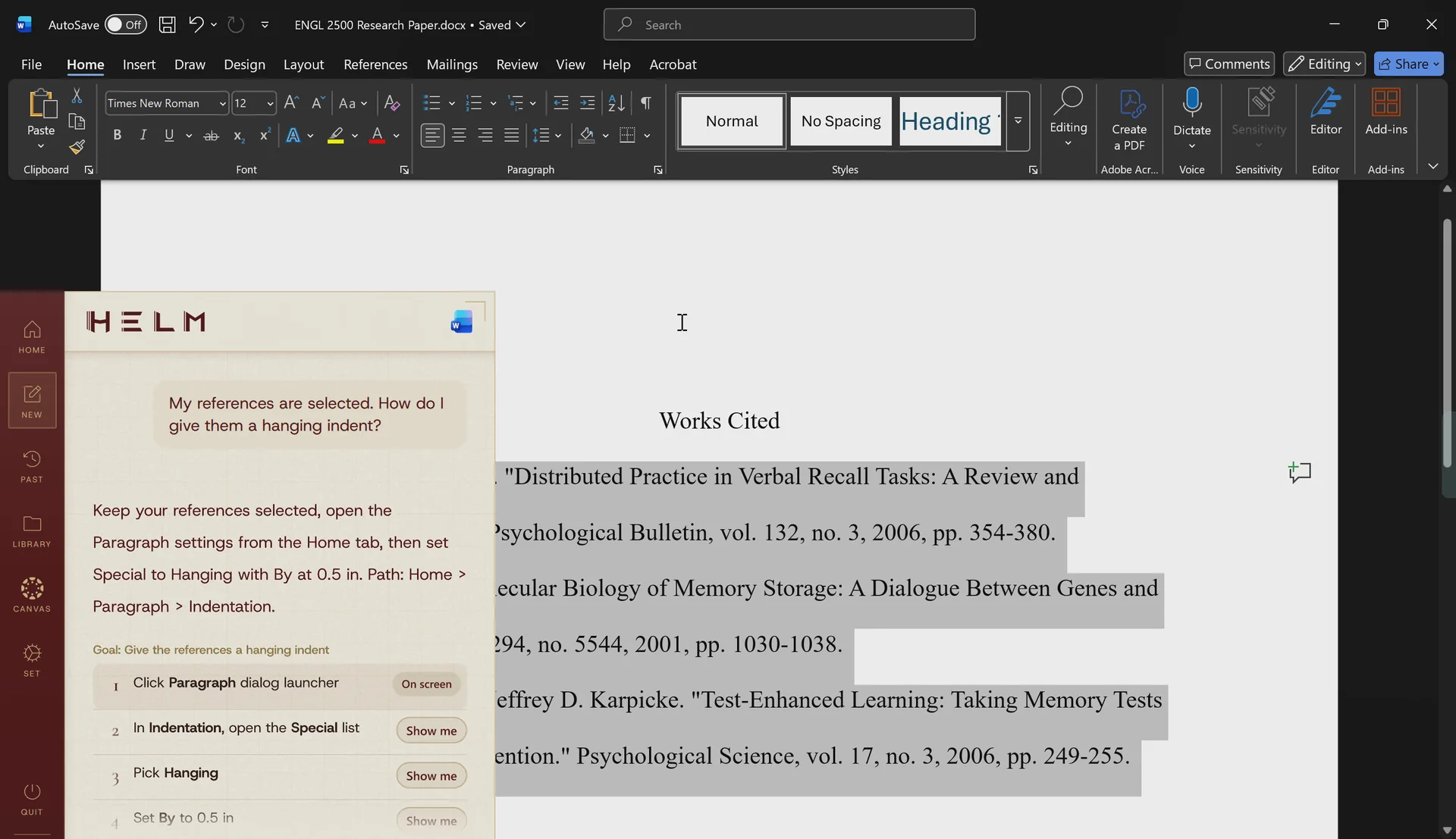
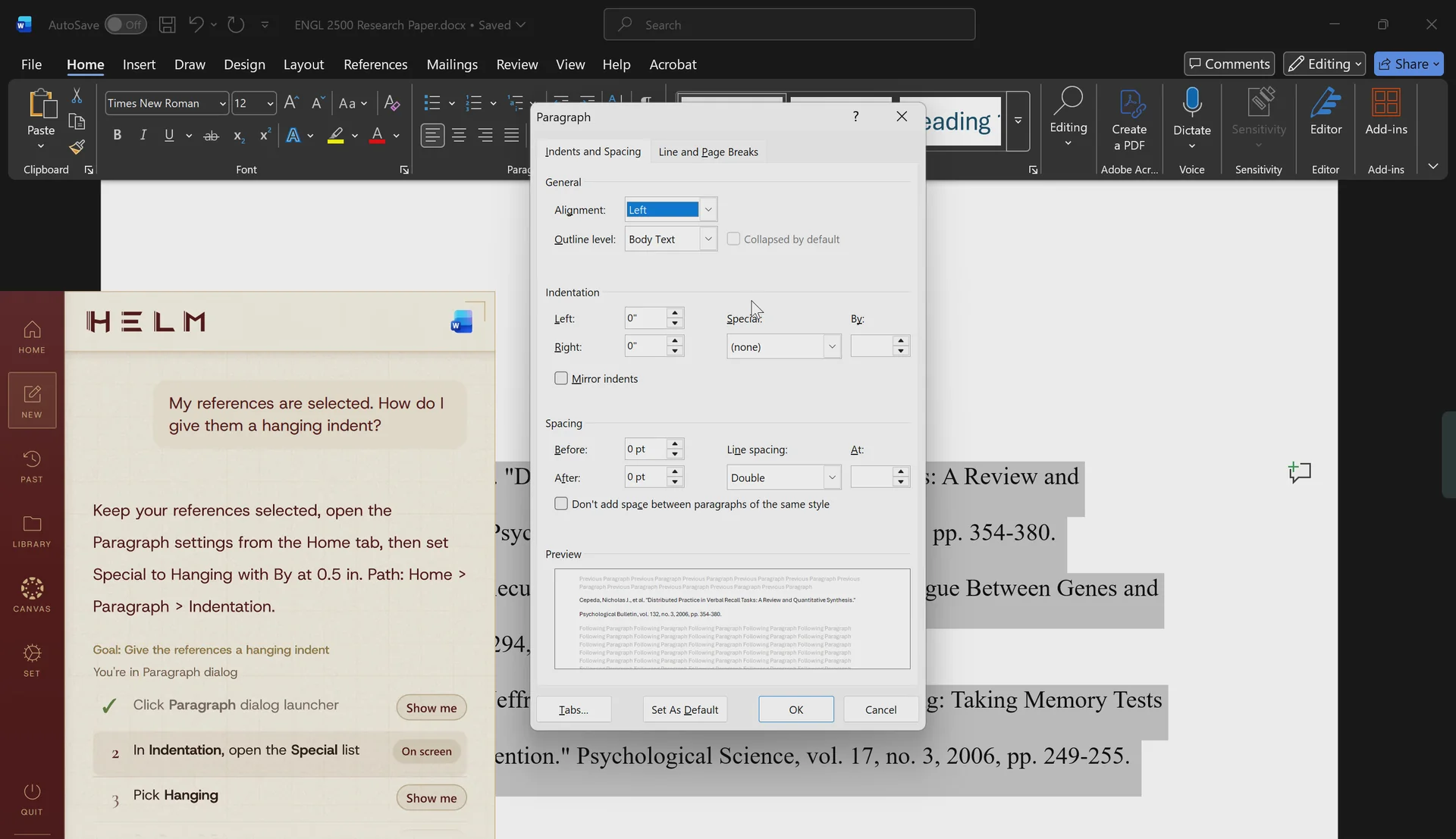
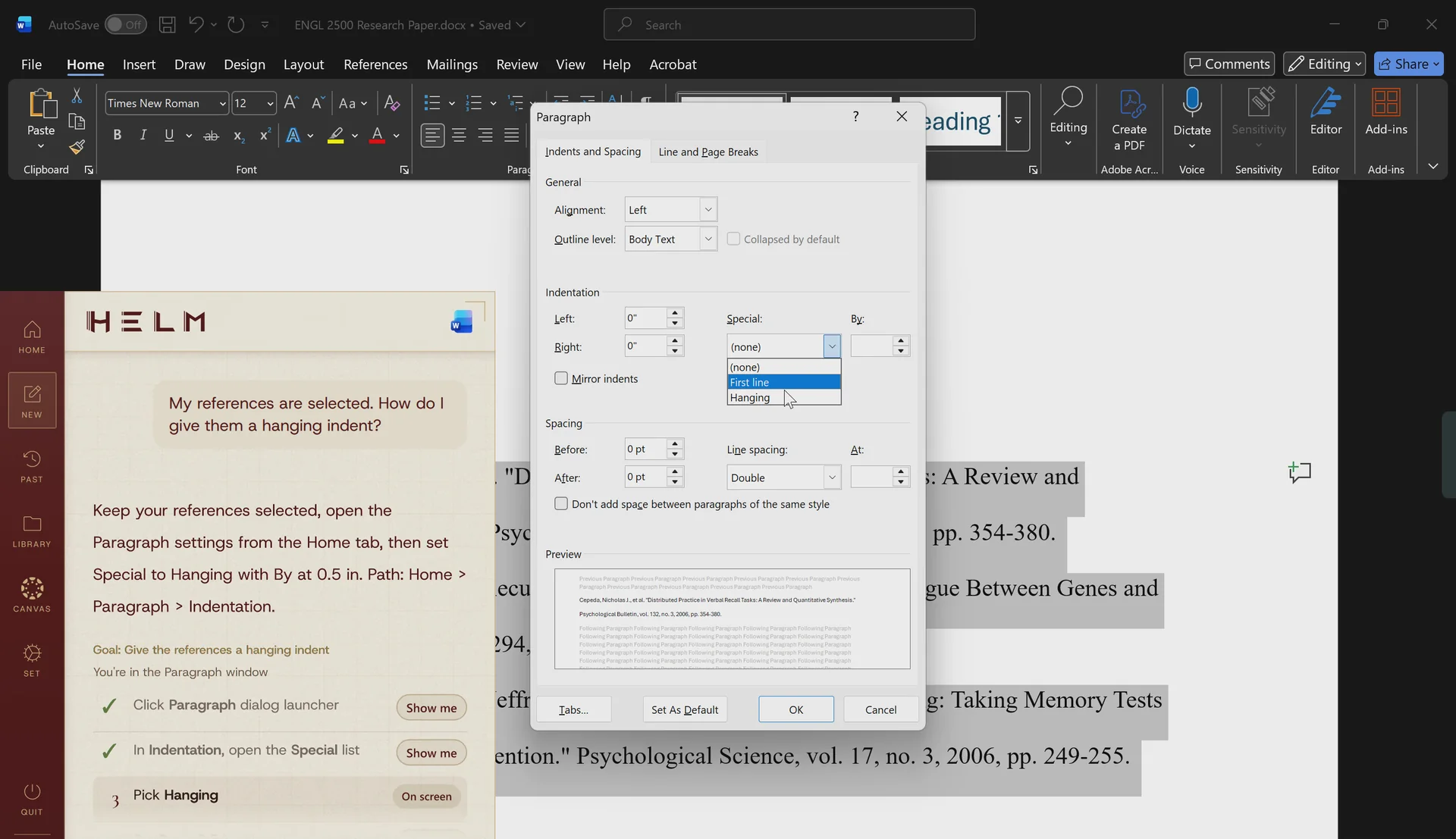
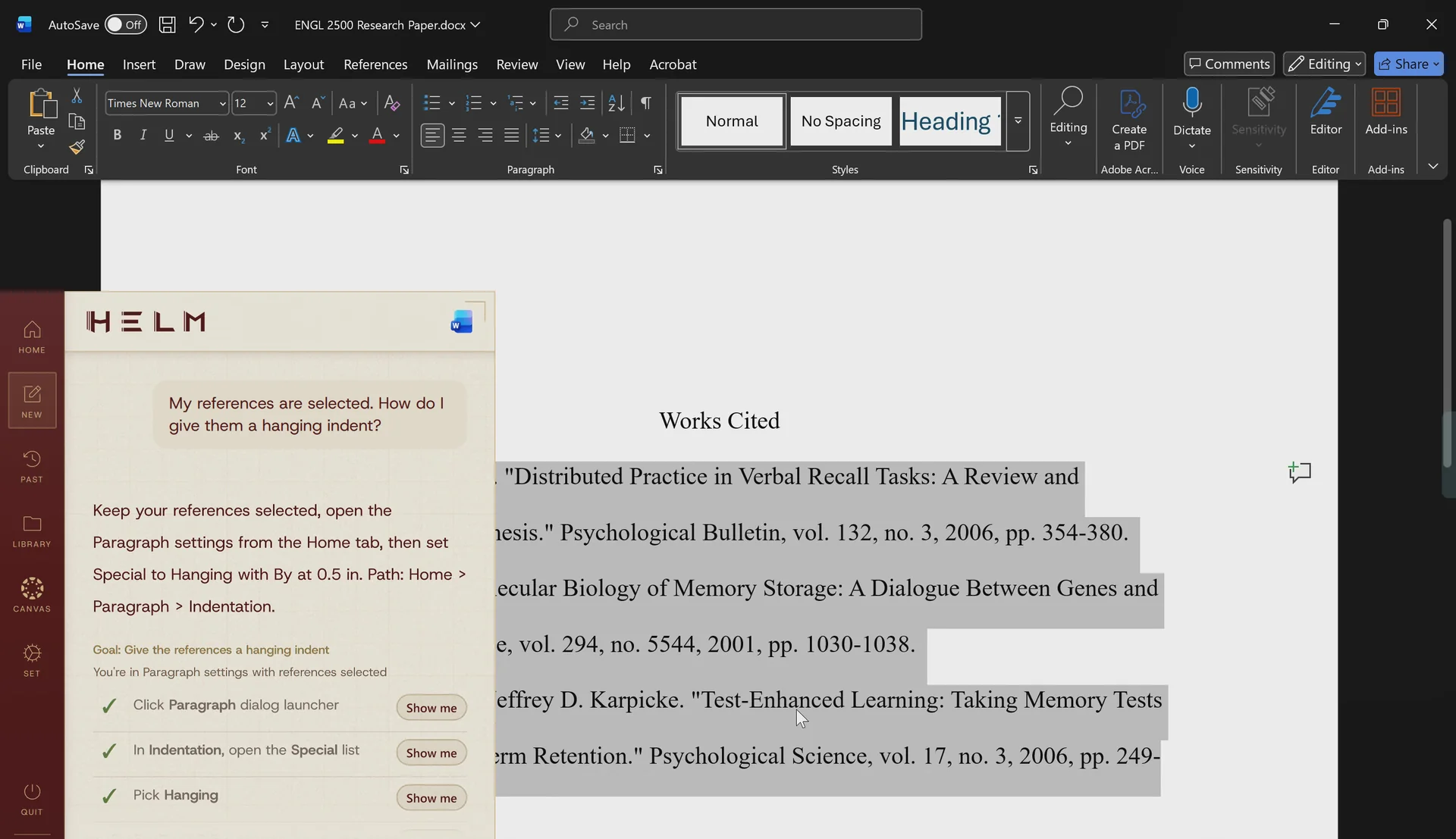
Ask how to do something in whatever you have open. HELM outlines the button on your screen, then the next one.
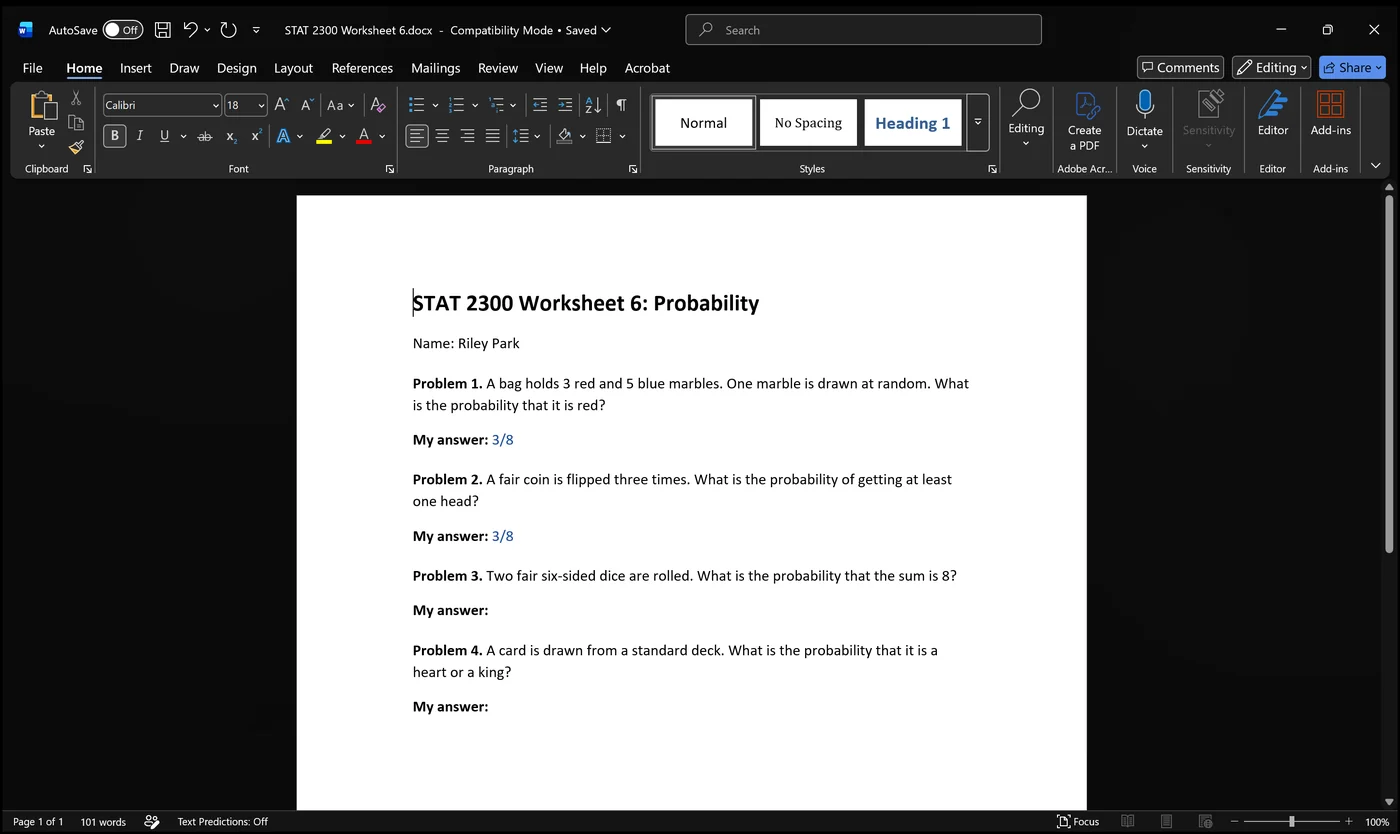
 In WordHow do I give these a hanging indent?
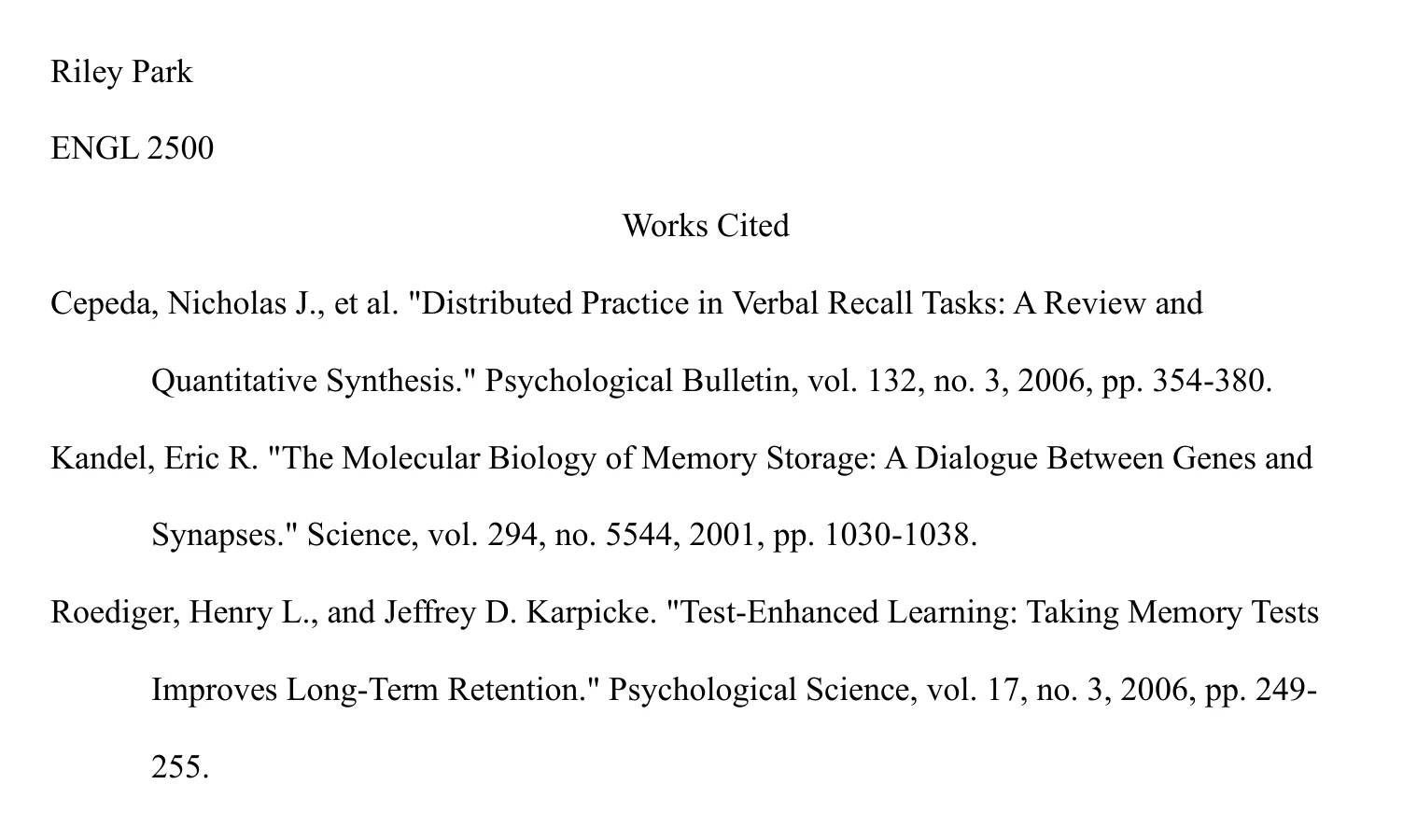
The same works in whatever else is open. For example:
 In Excel
How do I add a trendline to this chart?
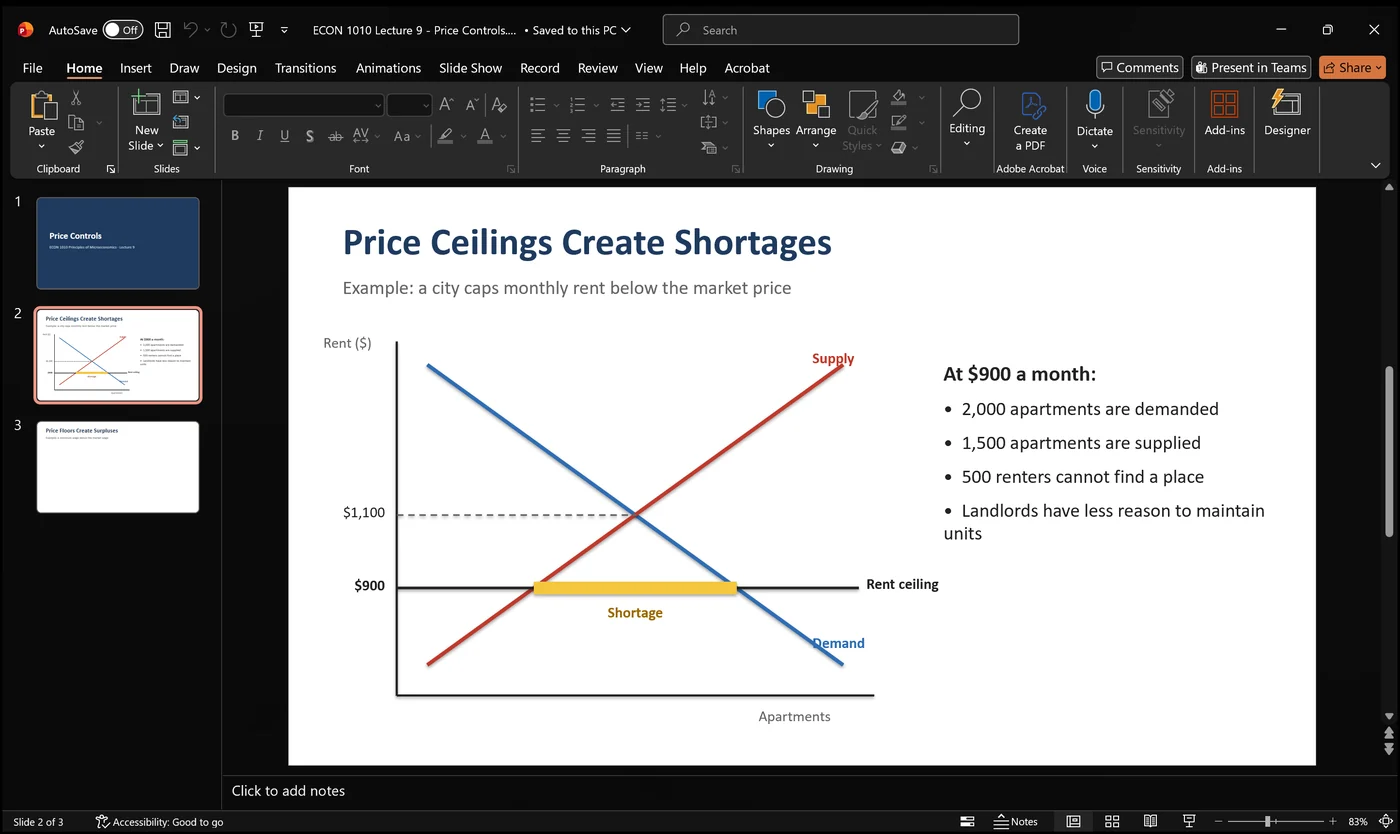
 In PowerPoint
How do I add slide numbers?
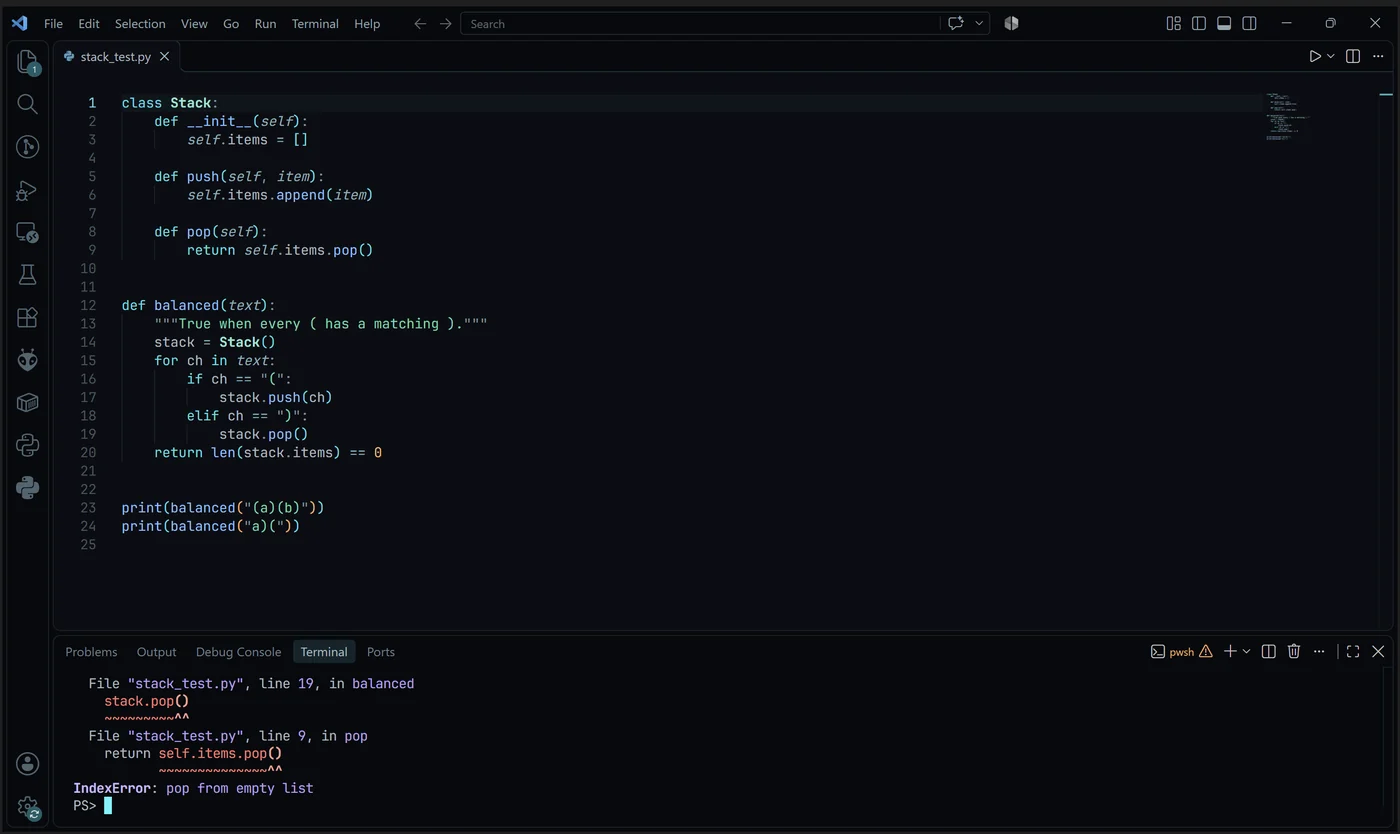
 In VS Code
How do I rename this everywhere?
What's due, your grades and every announcement, in one place.
Notes, readings and syllabi, ready for every question.
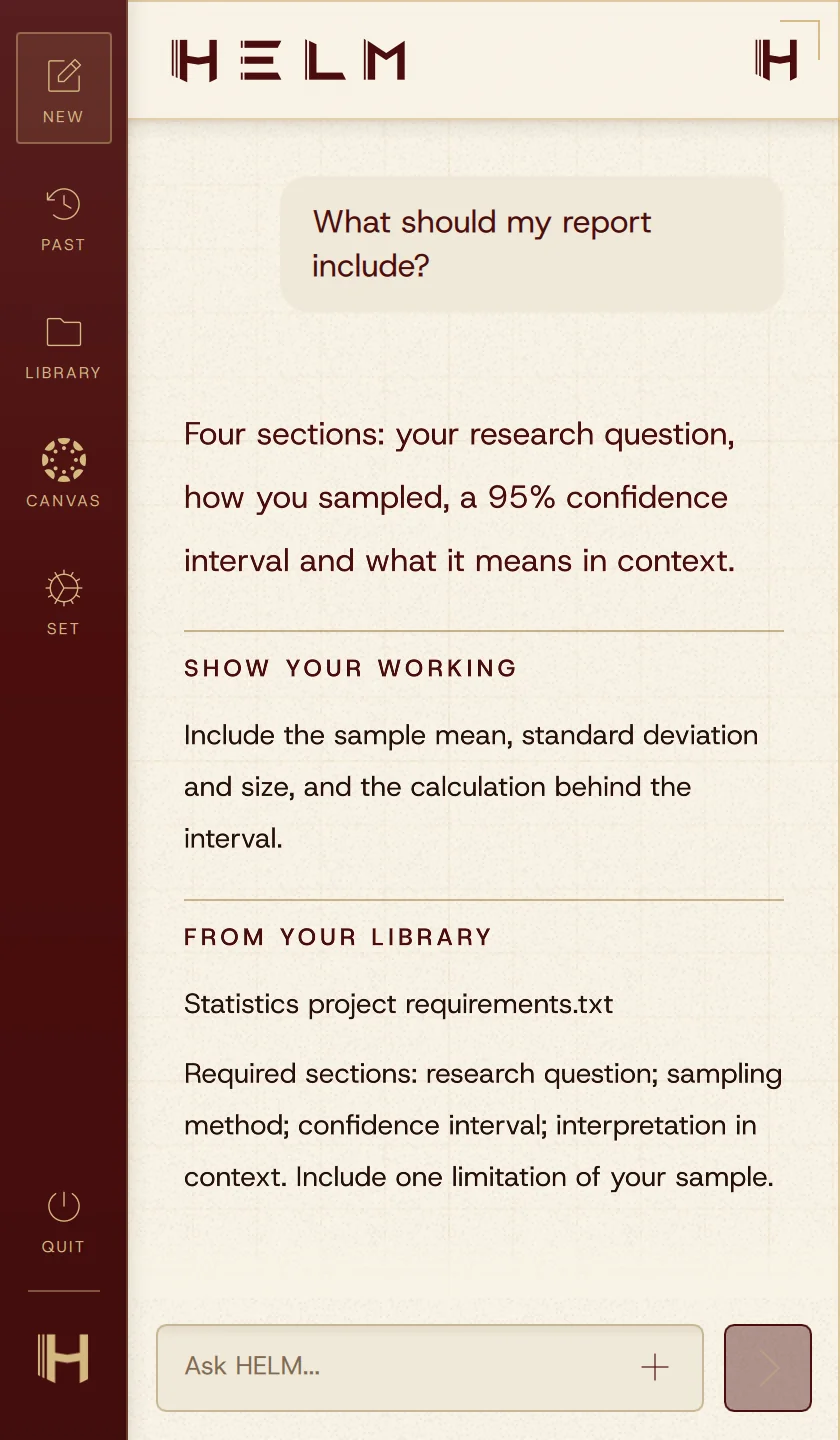
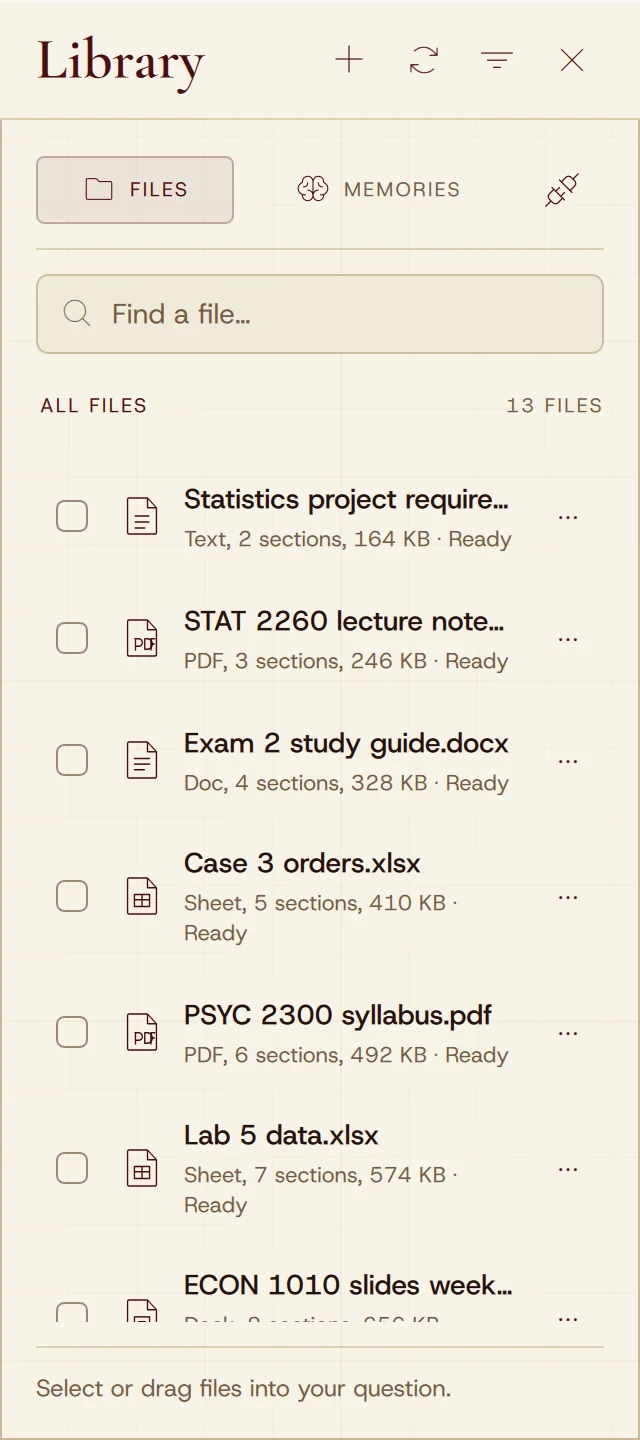
The answer names its file. Open it to check.
Your Canvas dashboard is free for good. Every plan starts with a 7-day free trial of AI answers.
Your Canvas dashboard.
$0always
Get HELM freeFor a class or two.
$9/ month
Choose NavigatorRecommended
For a full course load.
$19/ month
Choose WayfinderEverything in Navigator, plus
For research-heavy weeks.
$29/ month
Choose VoyagerEverything in Wayfinder, plus
USD, before tax. Renews each month or semester until you cancel; semester plans reset their AI usage every 30 days. Usage is measured by AI processing, so longer and harder questions use more. No automatic overage charges and no rollover. Full plan terms.
HELM opens with one key beside the app you are already using. It can read that app (with screen access on), your Canvas courses and the files in your Library, so you don’t copy, paste or upload anything first. Answers show their sources, and you can open the file behind them.
Only what you allow. Screen access is a setting you can turn off at any time. With it on, HELM reads the app you are using when you open HELM. That read stays on your computer and is used only when you ask a question. Library files stay on your computer, and relevant text can be processed online to answer. We do not sell your personal information.
Follow your school’s and instructor’s rules for AI tools. HELM shows the sources behind an answer so you can check the material yourself and decide what to use.
What's due this week, grades with what-if scores and announcements from every class, free for good. Supported course files import automatically after you connect. AI answers and making files searchable use your trial or plan allowance. Imports depend on course access, file type and size.
Seven days of AI answers, including Outlook, OneDrive, SharePoint and Teams, within a trial usage allowance. No credit card required. No automatic charge when it ends. Available to eligible verified US accounts, age 18+. Afterwards the Canvas dashboard stays free, and continuing AI answers requires a paid plan.
Yes. Cancel renewal from your account, and choose a new plan when your current paid month ends.
Supported file types, device storage and indexing allowances apply. Folder imports accept up to 300 files per batch. Local storage does not automatically encrypt your files.
A Windows 11 PC with a 64-bit Intel or AMD processor. HELM is not available for Mac. The Canvas dashboard also uses HELM’s Chrome extension, so keep Chrome installed and open for course updates.
Free for Windows 11. No credit card.
HELM runs on Windows 11 PCs (64-bit Intel or AMD). We'll email you the download link once.